Notes Studio
One source. Every learning experience.
Create a lessonMINT connects reusable lessons, teacher-led team quizzes, and follow-up assignments. Keep your teaching materials together and make participation part of the lesson.
Try sample content free · no sign-up or card needed
One source. Every learning experience.
Create a lesson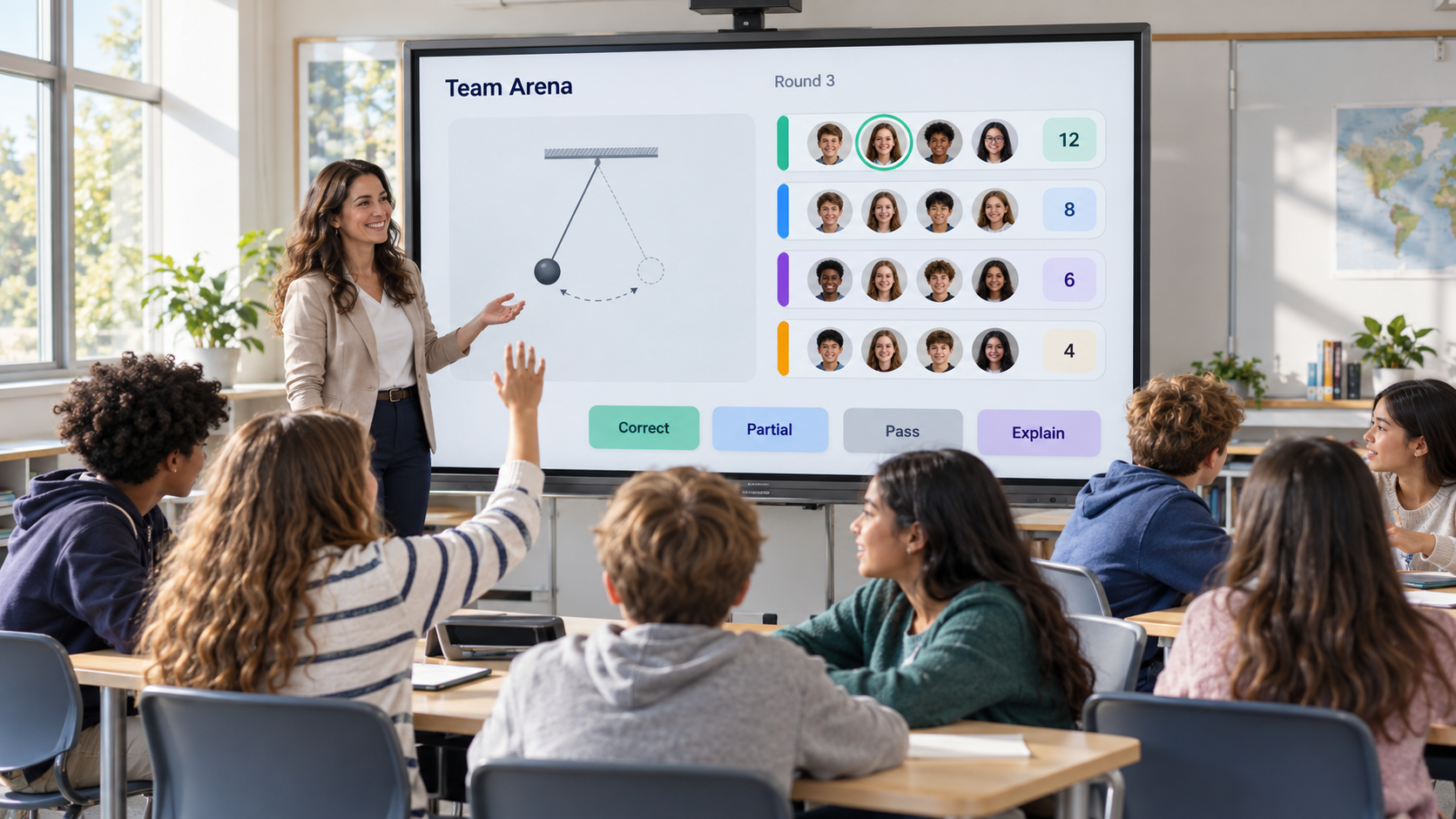
Shared challenges. Visible participation.
Try a quiz round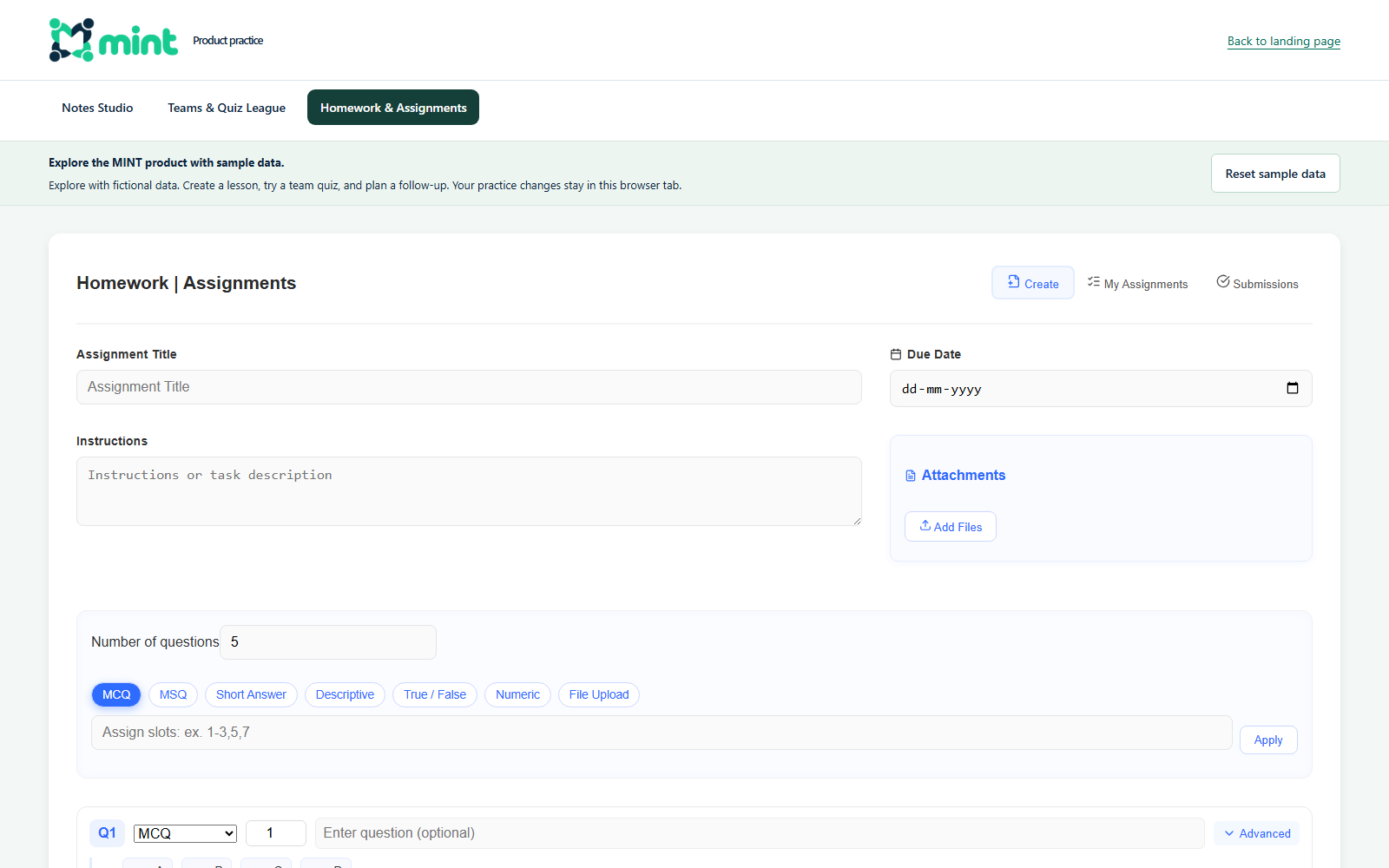
Understand today. Plan what comes next.
Plan a follow-upTeachers can explore a sample right away. School leaders can discuss a pilot around their own classes and curriculum.
Open a ready-made Physics lesson to see how explanations, examples, and questions fit together.
Try a sample lessonFree sample · no account requiredTell us your subjects, classes, and teacher numbers. Discuss curriculum fit and a practical pilot before committing.
Discuss a school pilotScope and pricing confirmed before activationVisual overviews show the teaching experience. Open a practice workspace to explore the current interface.
Select an experience above. Enlarge the visual for a closer look.
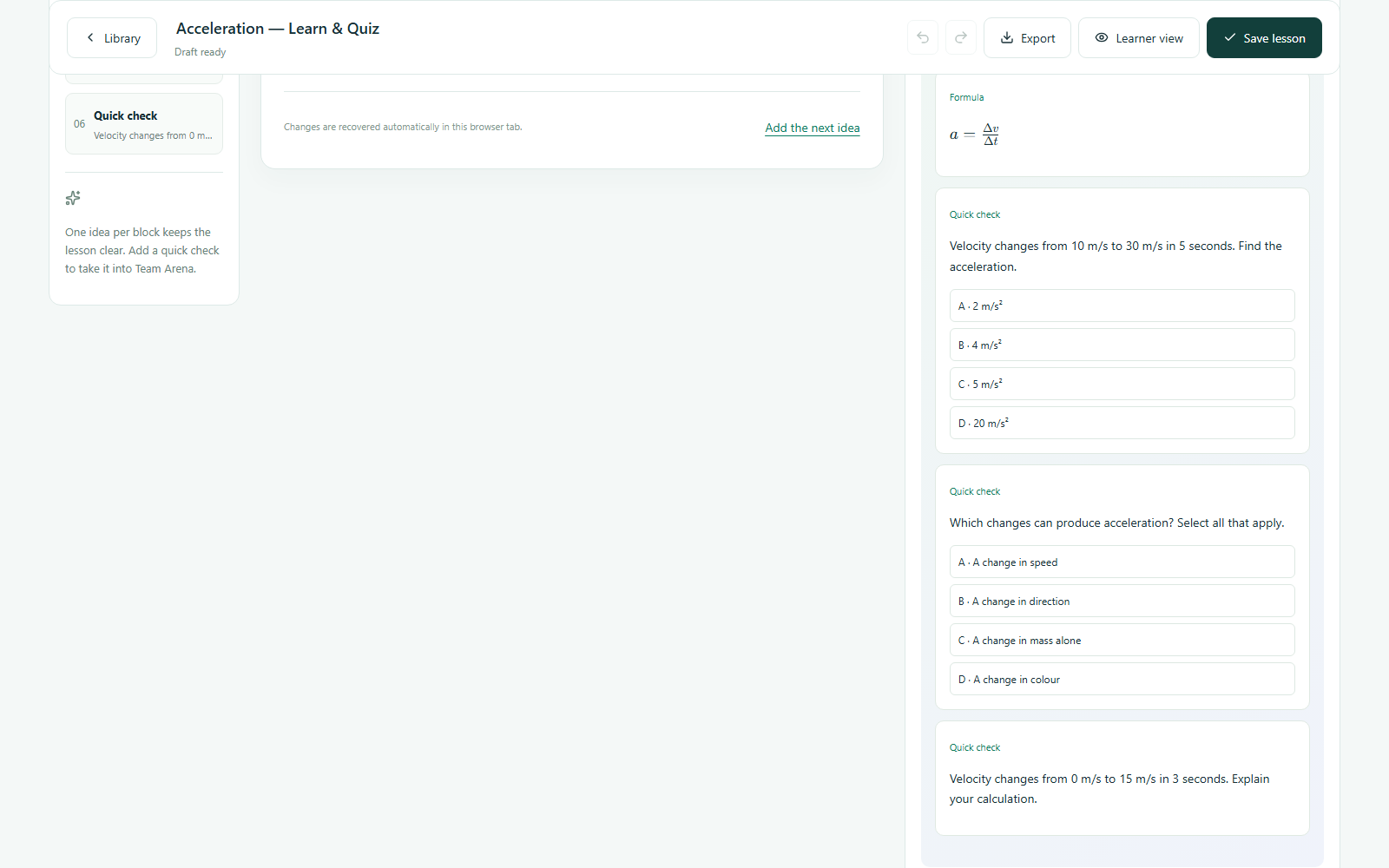
Pick a starting point, arrange your lesson blocks, and see the learner view as your idea takes shape.
Organize a subject into chapters and topics. Save explanations, examples, and questions as reusable lesson components—called snippets—and arrange them into a learning sequence.
Move from curiosity and explanation to worked examples, checks, practice, summary, and reflection.
Create and save lesson components in your teacher library. Reuse their questions in Quiz League, the quiz experience within Team Arena.
A car speeds up as it leaves a signal. What does acceleration tell us about its motion?
Bring the energy of teamwork into your classroom. Give students a reason to discuss, explain, and learn together.
Explore Team ArenaFree practice workspace · no account needed
Use team turns to invite quieter learners into the conversation.
Bring explanation, reasoning, and peer discussion into the round.
Choose who responds, guide the pace, and decide how to score.
Build on the lesson content you already create. Turn its questions into moments of shared participation.
Know what you’re teaching, who needs help, where the class is in the curriculum, and what to do next.
Connect your lesson content to classwork and homework. Set clear instructions, choose a class, and keep your assignment planning together.
Keep class, student, subject, and assignment information together. Review class and subject performance alongside teaching activity.
Use class and subject performance to plan follow-up. Teachers choose what to teach and assign next.
Try Teacher DashboardShort explanation + similar retry
Mixed practice without notes
Transfer to a new context
Review the class’s responses, then choose an explanation, practice task, or short recap for the next lesson.
Bring an explanation, a question, or a new way to see an idea. MINT turns it into a learning experience you can build on.
Start with your ideaA concept lesson, a quick check, or a blank canvas.
Edit the blocks and walk through the learner view.
Take its questions into a shared classroom round.
Bring teaching content, classroom activity, and follow-up into a connected workflow. Begin with a pilot shaped around your school.
Organize explanations and questions so teachers can build on approved content.
Use teacher-led activities and team turns to create opportunities for participation.
Discuss academic structure, workspace access, and how your team will get started.
Share your requirements. We’ll discuss what is available and confirm the scope in writing.
A demo request does not create a purchase or subscription.
Explore the free sample, enquire about teacher access, or discuss a school pilot. Our team confirms the plan and activation details before payment.
Free
Get a feel for the product before discussing access.
₹499 / month
Or ₹4,990 per year · save ₹998
Custom quote
A plan shaped around your teachers and classes.
Prices are in Indian rupees. No payment is collected on this website. We confirm available features, limits, applicable taxes, and terms in writing before activation.
No. The public practice workspaces use sample data and need no account or payment. They are for evaluation, not live school use.
The current sample demonstrates Class 11 Physics. Contact us with your board, subject, class, and language so we can confirm what is available for your school.
The practice workspaces demonstrate individual workflows with temporary data. Do not expect a quiz in the sample to automatically generate a connected school analytics report. Discuss reporting requirements with us before choosing paid access.
You can browse this landing page on mobile. For the full lesson editor and practice tools, a laptop or desktop browser is recommended. Confirm classroom device requirements with us before a pilot.
Send a teacher-access or school-demo enquiry below. We confirm features, scope, pricing, and activation details before any payment.
Notes Studio creates structured learning. Approved content becomes a journey or Arena session. Responses and participation become evidence, helping teachers explain, assign practice, and plan revision.
MINT is designed around reusable content for teaching and follow-up. Ask us to confirm the available classroom, smartboard, student, and homework experiences for your plan.
The workflow supports voice, devices, hand raises, or team answers. The teacher selects respondents and controls how each answer is evaluated.
Teachers can reopen the relevant snippet, explain the misconception, run a follow-up check, and assign targeted practice. Confirm the available follow-up and reporting tools for your plan.
Choose teacher access, a school demo, or a product question. Leave your name and email; add classroom details if you have them.
hepsyenterpriseinfo@gmail.comWe’ll discuss your needs, confirm the fit, and explain access and pricing. Sending this form does not create a purchase or subscription.